

Guide
Launch a collection on Zcash
A collection on Sapling lives on Zcash. Its art is in shielded memos, its items are a public ledger anyone can recompute from the chain, and every payment goes straight to whoever it belongs to.
Collectors mint, buy and sell from their own Zcash wallet. Nobody sees which wallet paid, which wallet got paid, or what else a collector holds.
Collecting, not launching? Browse collections
01Plan the collection
Choose its name, how many items there will be, and how many the team keeps (those are issued to your key at the start). Set the mint price, at least 0.01 ZEC, and the royalty on every sale, from 0% to 10%.
Phases decide who mints when: a pass phase for the people you hand pass codes to (only their public halves are published, so nobody collects addresses), then a public phase, each with a cap per key if you want one. Each item shows its art at once, or after a shuffle seeded by a Zcash block after the mint.
These rules are fixed at the start. The collection's id is the hash of all of them, so nobody, Sapling included, can change them later.
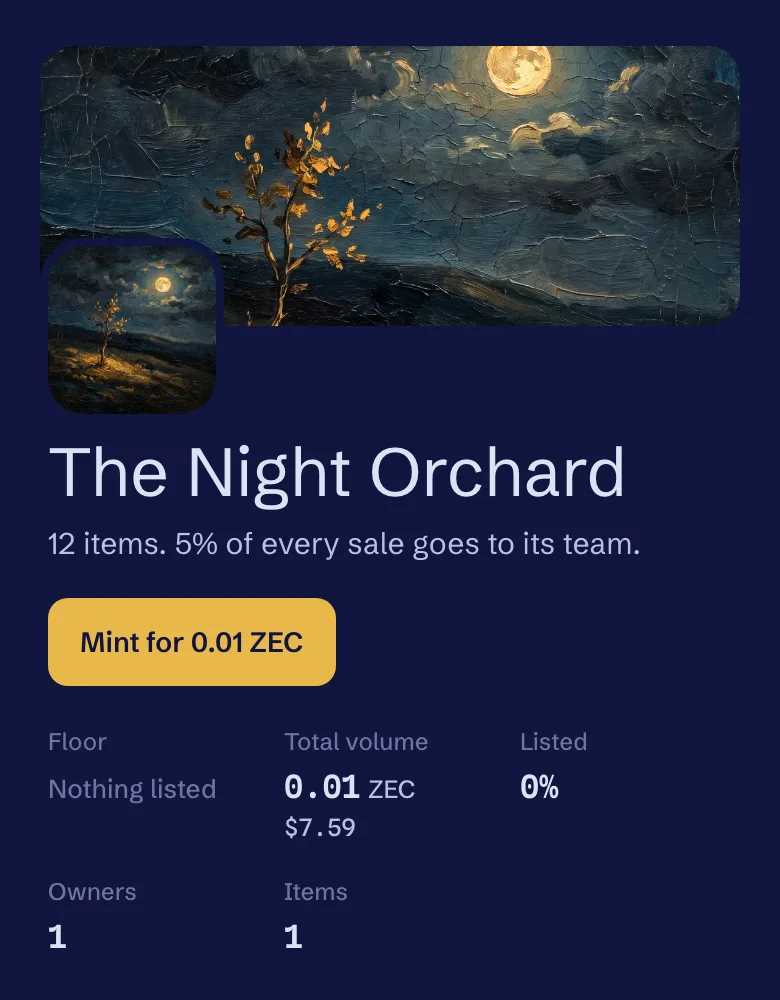
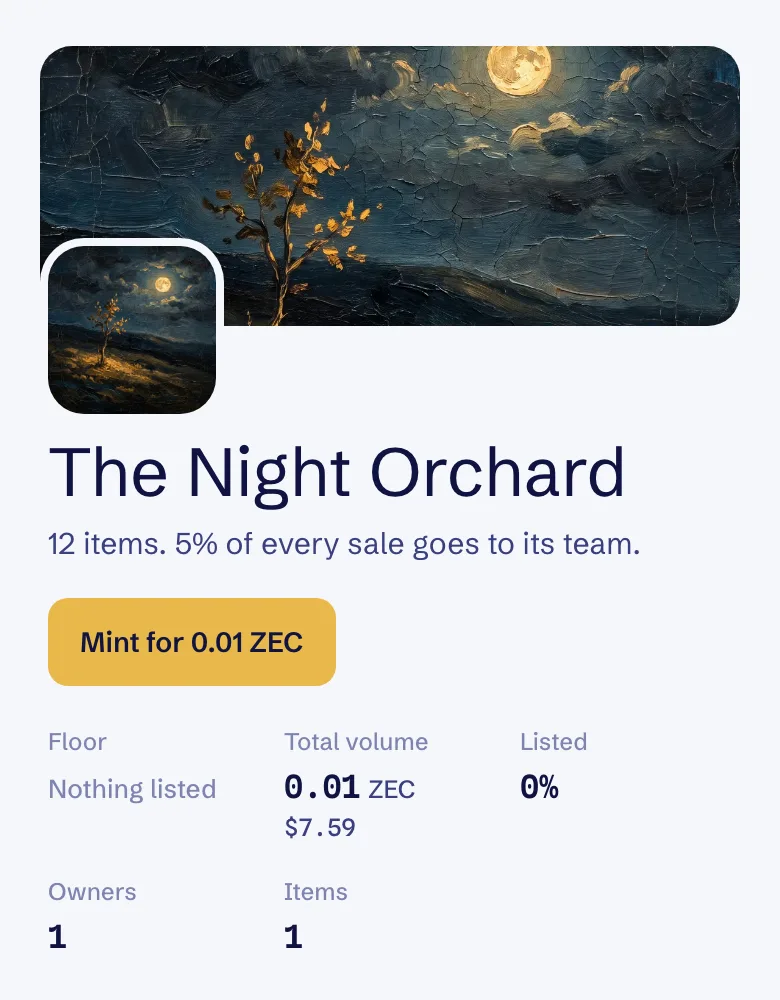
A collection page: The Night Orchard, on sapling.cash. 02Give it its own Zcash account
Use a fresh Zcash account, only for this collection. Mint payments and royalties go straight to it; nobody else ever holds them.
Its viewing key is published, so anyone can check every mint and every royalty the rules count. It shows nothing of your other accounts.
03Put the art on Zcash
The art goes into shielded memos to the collection's account, 487 bytes per output, each file in one transaction. Pixel art, SVG and small images fit: a 1.7 KB image is 4 outputs.
Each file's hash is part of the collection's id, so the site shows a file only if it is exactly the one you committed. Nobody can swap it or add to it later.
A file's upload needs a wallet that pays several outputs in one transaction.
04Prepare your files
In the studio, drop everything at once, as a folder, a zip or the files: the images with one JSON per image (Metaplex), or the images with one metadata.csv, or the images alone. Then review: click any item to edit its name, description and traits, select several to set a trait on all of them, filter by trait, and pick the mint order.
A folder with a CSV. The first line names the columns: file, then name and description if you want them, then one column per trait. A blank cell means the item has no such trait.
my-collection/
  metadata.csv
  01.png
  02.png
  03.png
file,name,description,Background,Mood
01.png,Moon Hill,The hill under a full moon.,Night,Calm
02.png,Low Tide,,Dusk,
03.png,First Frost,"Cold, clear, early.",Dawn,Cold
Or JSON. A list with one entry per item, in the same order.
[
  { "file": "01.png", "name": "Moon Hill", "description": "The hill under a full moon.", "traits": { "Background": "Night", "Mood": "Calm" } },
  { "file": "02.png", "name": "Low Tide", "traits": { "Background": "Dusk" } },
  { "file": "03.png", "name": "First Frost", "description": "Cold, clear, early.", "traits": { "Background": "Dawn", "Mood": "Cold" } }
]
One JSON per image. Each image with its Metaplex JSON beside it, numbered from 1 (or from 0) with no gaps. The name, symbol, description, image and attributes are read; anything else is left out.
assets/
  1.png   1.json
  2.png   2.json
  3.png   3.json
  collection.json   (optional: its name becomes the collection's)
{
  "name": "Moon Hill",
  "symbol": "ORCH",
  "description": "The hill under a full moon.",
  "image": "/1.png",
  "attributes": [
    { "trait_type": "Background", "value": "Night" },
    { "trait_type": "Mood", "value": "Calm" },
    { "trait_type": "Brightness", "value": 7, "display_type": "number", "max_value": 10 }
  ]
}
Images only. Each item is named from its file. Name, describe and trait them in the review.
The order. Items are numbered from 0 in the file's order (Metaplex: the lowest number is item 0). The ones your team keeps are the first ones. The mint order is Random by default, or Ordered: the review shows a preview.
The limits. PNG, JPEG or WebP, up to 4 MB each, every image once. One item per image, so the rows and the images must match. Names up to 64 letters, descriptions up to 1,000, a symbol up to 10; up to 32 traits an item. Art put on chain in memos is at most 3,896 bytes a file. Up to 10,000 items and 256 MB of art in all.
Traits. The studio reads and checks them, shows them in the review and keeps them with your draft. Collection pages number items (#0, #1, …) and do not show traits yet, so keep your metadata file.
If anything is off, nothing is added and the studio lists each problem by its row: a missing file, a file used twice, a count that does not match, an image too big or of another kind. Fix them and drop the files again.
05Register it, then start it
Sapling registers each collection with its team: the rules, the account's viewing key, your collection key and the art's hashes become its bundle, whose hash is the collection's id. To register, reach Sapling on its official channels, listed at the end of this guide. Sapling never messages you first.
Then you start it: a short message signed by your collection key, with the art beside it. From that block the mint is open and the items are yours to issue.
The studio does all of it in your browser: it builds the bundle, shows the collection's id before you send anything, writes the file you register, and once registered, starts the collection with its art.
The mint
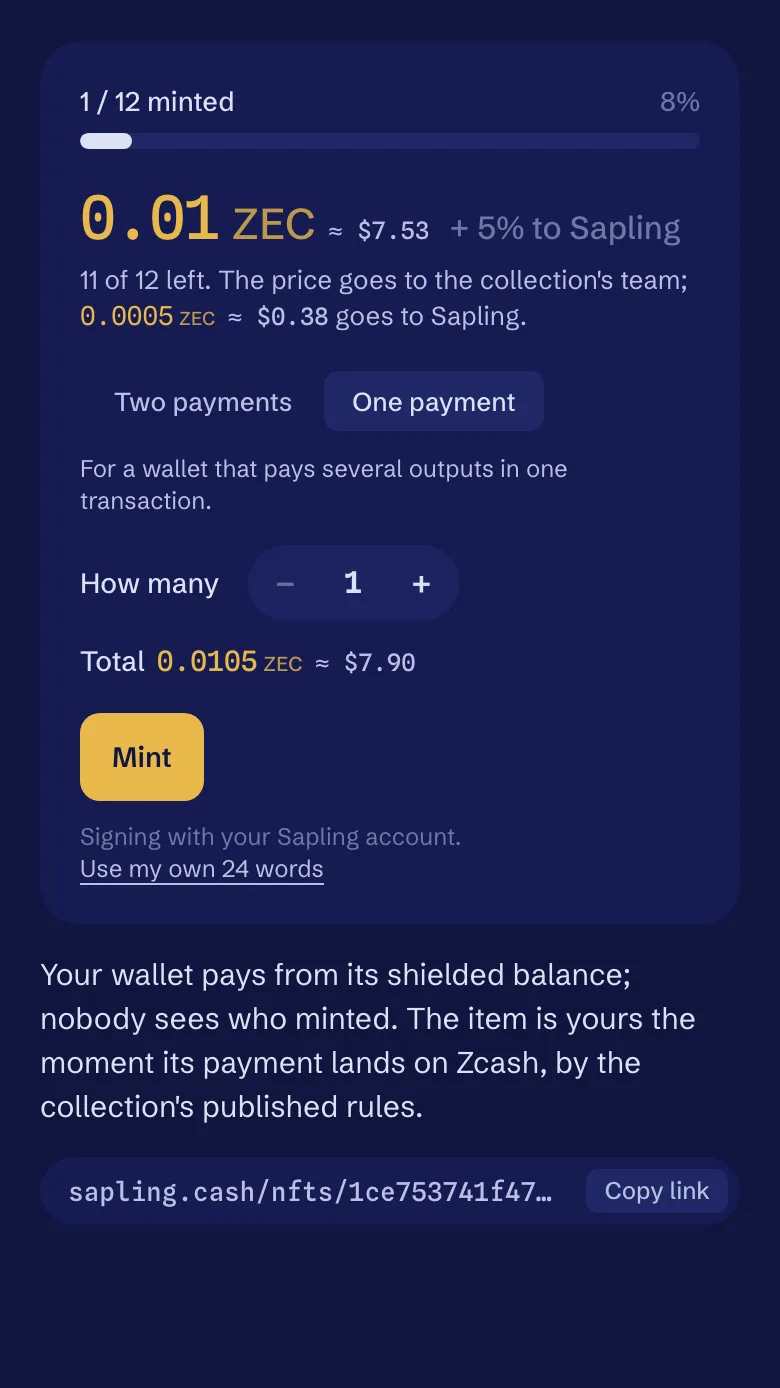
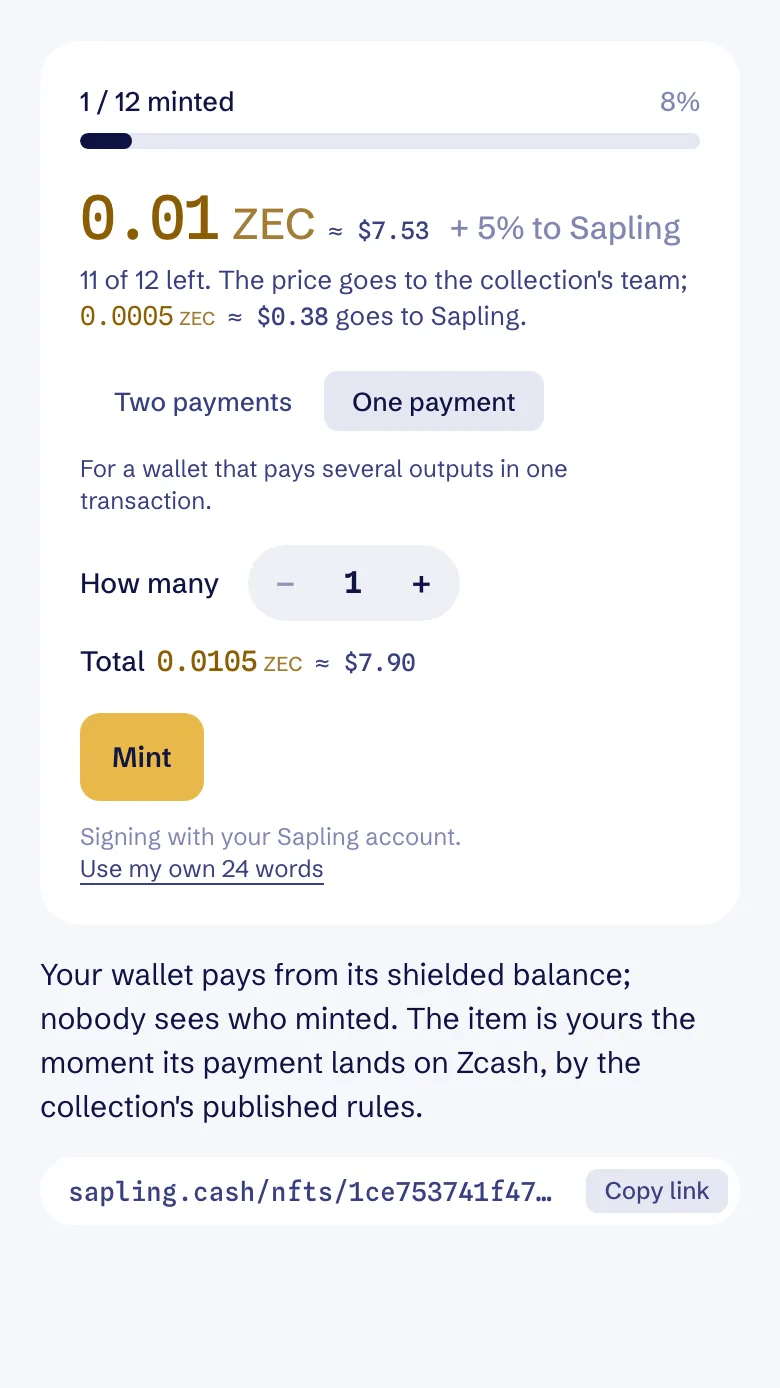
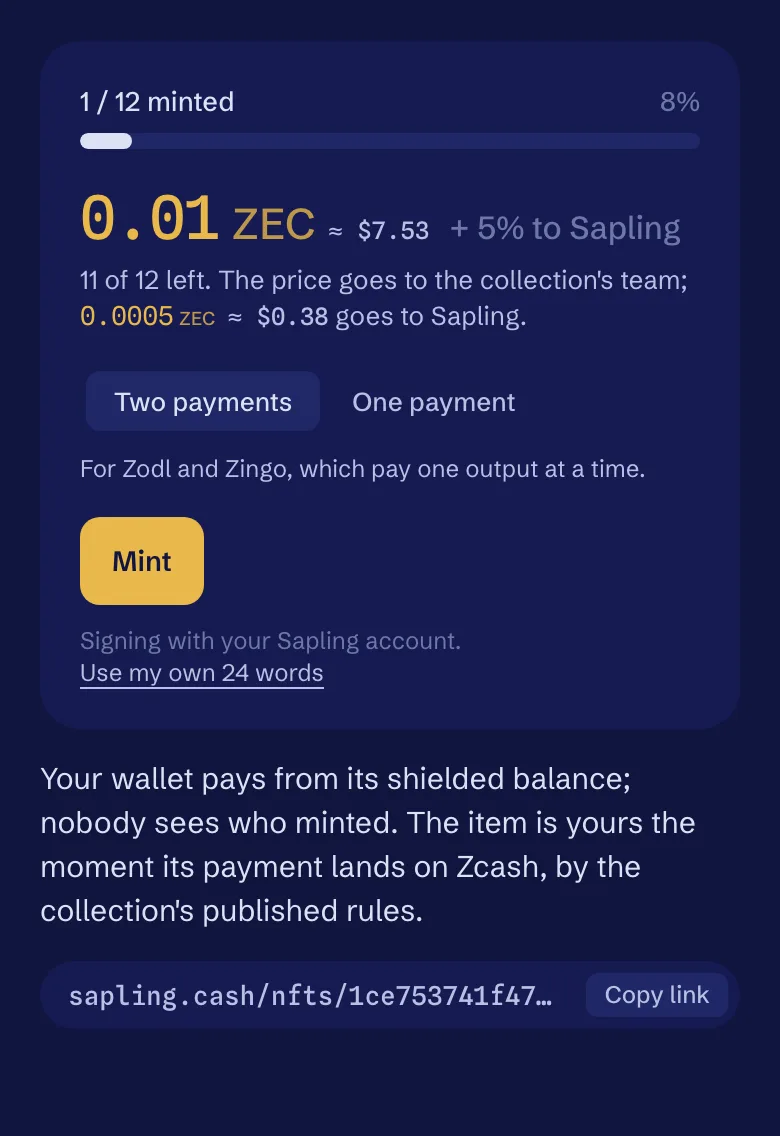
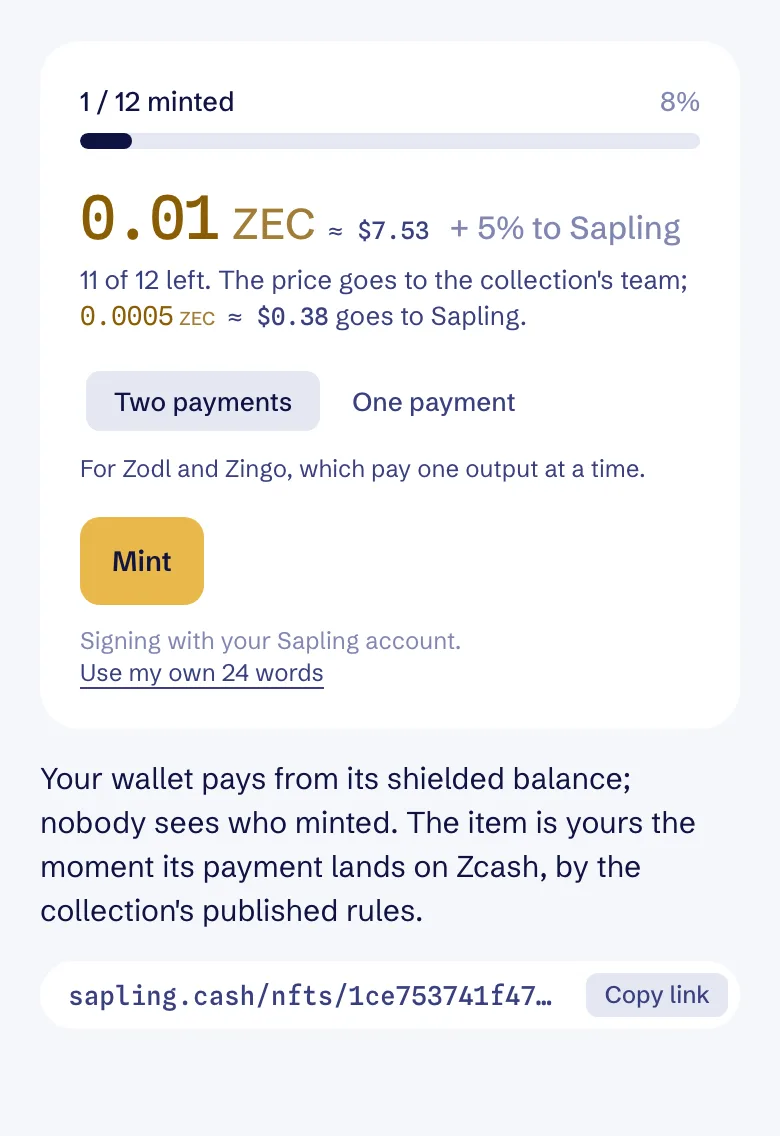
A collector presses Mint and pays the price to the collection's account, with Sapling's mint fee, 5% of the price, in the same transaction. A mint without the fee beside it does not count, and is refundable.
At a price of 0.01 ZEC: 0.01 to you, 0.0005 to Sapling, 0.0105 ZEC in all. The site shows it as one QR code under One payment, for wallets that pay several outputs at once.
Zodl and Zingo: the two-payment mint
Wallets that pay one output at a time mint in two payments, each a QR code of its own.
Hold a slot. The first pays the mint fee to Sapling and holds one item for the collector for 48 blocks (about 60 min). Nobody else can take that slot meanwhile.
Pay the price. The second pays the price to the hold's own address, no memo needed. The item is minted the block it lands.
If it never comes. The hold ends, the slot is free again, and the fee is not refunded: it was the bond.
Royalties the rules enforce
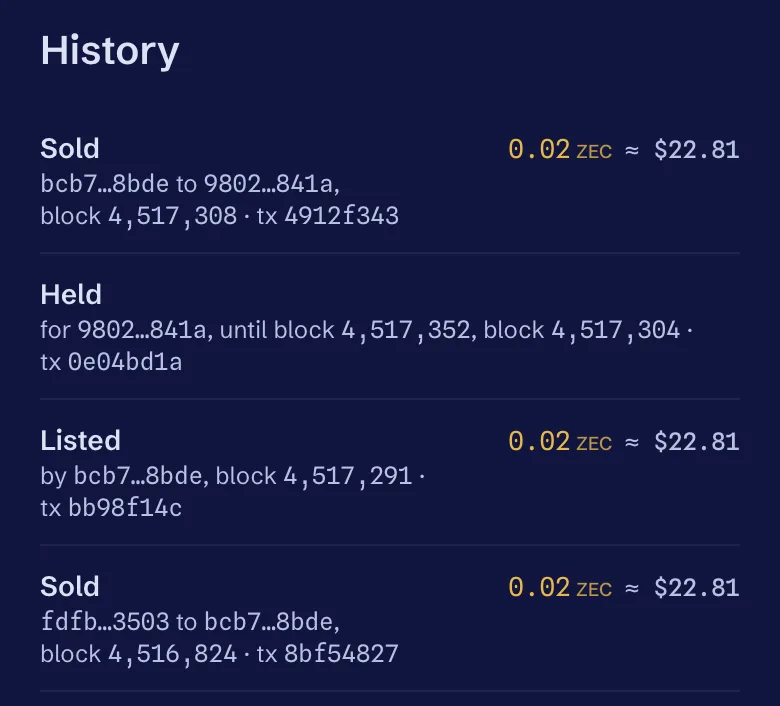
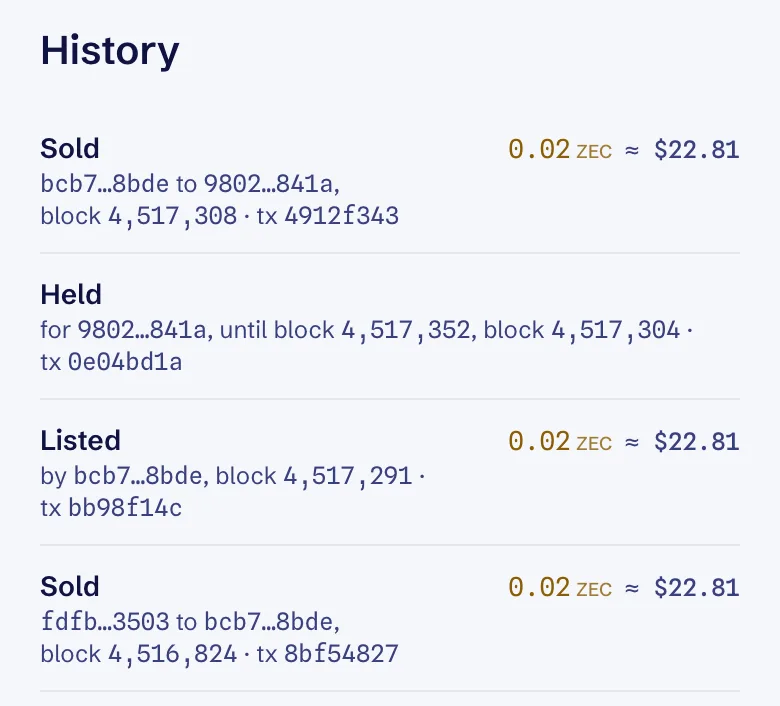
Every sale goes through a hold. The buyer's first payment is Sapling's 2% fee, which holds the item for them; then the royalty goes to your account and the rest to the seller.
A sale settles only when both land inside the hold. A sale without your royalty never settles, whichever site or wallet built it.
A 1 ZEC sale at a 5% royalty: the buyer pays 1.02 ZEC, 0.02 to Sapling, 0.05 to you, 0.95 to the seller.
A strategy coin
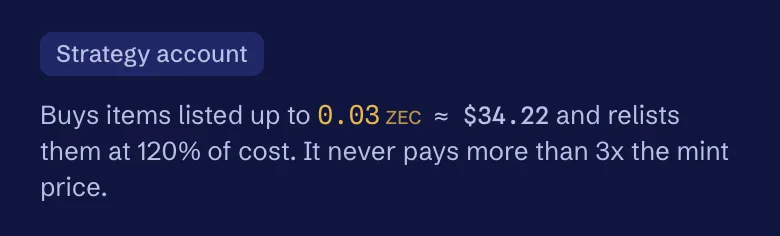
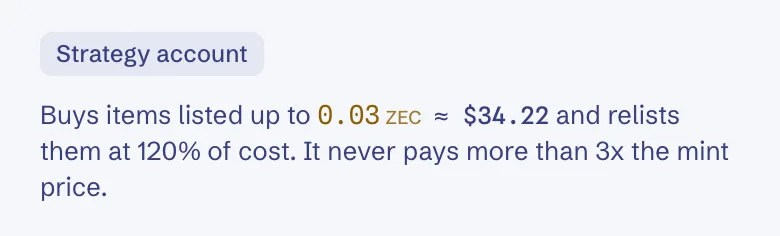
A collection can have a strategy account: an account on Zcash that buys the collection's cheapest listing by fixed rules. Funding it from a strategy coin's fees is coming; until then, deposits to its address fund it.
Two modes, chosen once. You pick one when the strategy starts, and it never changes. Flywheel buys the floor, relists it at a markup, and its sales burn the coin. Burn buys the floor and burns the item for good: it leaves the supply and is never listed again.
Three pieces, all Sapling's. Its spend key is split in three: one piece on each of two servers, one kept offline. All three are Sapling's, so this account runs on trust in Sapling. Each server replays the rules and its software signs only the payment they order; what the account owes and has sent is public. Both servers must be up: if one is down, the account waits, and missed buys show in public.
What the rules allow. It pays at most 150% of the recent sale price and never more than 3x the mint price, buys nothing until a week's sales come from 5 different sellers, and holds at most 4 unsold items before one of them sells. In burn mode it pays at most the recent sale price, and burns at most 7 items a week.
Yours to declare. Strategies are declared when you register. A flywheel's relist markup is 110% to 200%, and a collection with one takes a royalty of at least 3%.
Where the money goes
The mint price goes to your collection's account; the mint fee, 5%, to Sapling.
On every sale the buyer pays Sapling's 2% fee, your royalty goes to your account, and the rest to the seller's one-time sale account.
Sapling's fee splits three ways: 0.5% of the price buys back and burns $SAPLING, 0.5% goes to $SAPLING/ZEC liquidity with the LP burned, and 1% to Sapling's treasury. The mint fee stays whole with Sapling.
Each payment goes straight to the account it belongs to. No escrow for sales or mints, and anything the rules refuse is refundable by whoever received it. A strategy account is the one exception: it holds a balance, and that balance is under Sapling's keys.
Questions
Can I change the rules after the start?
No. The collection's id is the hash of its rules and its art, so changing either would make another collection.
Can a sale skip my royalty?
No. A sale settles only when the royalty reaches your account inside the hold, whatever site or wallet built it.
What if someone holds a slot and never pays?
The hold ends after 48 blocks, the slot is free again, and the fee they paid stays with Sapling as the bond. A key can hold at most 3 items at a time, across mints and buys.
What can people see?
Mints and royalties to your collection's account, every item's owner key, price and history. Not the wallets that paid or got paid, and not which items belong to the same collector: each item has its own owner key.
Who checks the rules?
Anyone. The rules run in two separate implementations that must agree on a fingerprint of the whole ledger after every block, and the site reads them from its collections index.
Stay safe
No DMs, no keys. Sapling never DMs you first and never asks for your seed phrase or keys. Anyone who does is not Sapling.
Check every character of an address. Look-alike addresses copy only the first and the last few. Take an address from your own wallet's Receive screen, never from your history or an explorer.
Official links only. These are Sapling's only channels, and this site is sapling.cash:
More detail: Collections·Start with your Zcash wallet·Docs & FAQ